No HTML · No CSS · No JavaScript to write
A Website Builder That Asks You to Configure, Not to Code
Building here means dragging a block onto the canvas and setting its properties, not opening a text editor. This page draws the line honestly: which parts of a site are genuinely just configuration, who that setup actually serves well, and what happens on the day your idea needs something the block registry does not model.
The palette is the vocabulary, not a starting hint
A no-code claim is only as strong as what sits in the sidebar, so start there. The component registry holds 37 block types, and 34 of them are draggable straight from the palette, split into four categories: layout, content, form and navigation. That is the entire vocabulary for assembling a page — there is no case where finishing a section requires dropping into markup because the piece you need is not offered as a block.
The three categories read differently depending on what you are building. Layout blocks give you the containers and grids a page is structured with. Content blocks cover headings, paragraphs, images and the rest of what a visitor reads. Navigation blocks build the menu and its links. Form blocks — input, textarea, label and a submit button — let you assemble a contact or booking form by dragging fields into place and wiring up validation through settings rather than through a script; nothing here claims the submitted data goes anywhere, since that depends on a server this demo does not run.
- 34 block types in the drag palette, out of 37 in the full registry, across layout, content, form and navigation.
- The three not offered directly are parts of composite blocks and are added from their parent instead.
- Every one of the 17 ready-made themes applies without opening a stylesheet.
Styling is a panel, not a stylesheet
Visual design is the second place a no-code claim usually breaks, and it holds up here. Every element carries an inspector with style controls instead of a CSS file to hand-edit, and those controls apply per breakpoint: the toolbar exposes five widths — base for mobile, then large mobile, tablet, laptop and desktop — and an override you set at one width does not leak into another unless you choose to repeat it. Getting a heading smaller on a phone and larger on a desktop is two settings, not a media query.
Text gets a toolbar of its own, separate from the block-level style panel: bold, italic, strike-through, a link, three heading levels and both list types, the same set a word processor gives you. Between the two — block styling per breakpoint and inline text formatting — the layout, spacing and typography decisions that would otherwise live in a stylesheet are made through the same panels you use to place the block in the first place.
Interactions are a checkbox, not a <script> tag
The part of a site that most obviously used to require code is the part that moves — a menu that collapses, an image that opens larger, a section that fades in on scroll. Builder42 ships 17 of those behaviours as registry entries: accordion, carousel, count-up, expandable, form validation, lightbox, marquee, modal, navbar, parallax, reveal-on-scroll, scroll progress, scroll spy, sticky, tabs, theme toggle and a simple toggle. Attaching one to a block is a setting on that block, not a snippet you paste in.
What happens on export matters as much as what happens on the canvas. Each behaviour you actually attach is written into the download as plain, framework-free JavaScript — a page that uses none of them ships no script files at all, and a page that uses three ships exactly those three modules plus the loader that wires them up. Nothing is copy-pasted boilerplate you then have to adapt; the configuration you made in the inspector is what the exported script runs.
Who a palette-and-panel workflow actually serves
This shape of tool suits a specific kind of job well: someone who has a clear idea of the page they want — a restaurant menu with bookings, a clinic's services and an appointment form, a barbershop's price list — and would rather assemble it from ready parts than start a codebase for one page. Multi-page sites are native to that same workflow: a site can hold several pages, added and renamed from the same panel that manages everything else, and if the audience reads more than one language, content languages are added the same way, each exporting as its own set of pages.
It suits that job specifically because nothing about the palette assumes prior training. Dragging a block, picking a category, adjusting a property and previewing the result at a breakpoint are the same four motions for a heading, a form, a gallery or a countdown, so the learning curve is one skill repeated rather than one skill per feature. What it does not suit is a page whose entire premise is a mechanic nobody has registered as a block, which is exactly where the next section starts.
Where the ceiling sits, and the way past it
Honesty about a no-code tool means naming its edge, not just its reach. If what you need is not one of the 37 registered block types, not one of the 17 behaviours and not a property exposed in an inspector panel, dragging and clicking will not produce it — that is true of any registry-driven builder, and pretending otherwise would only cost you an afternoon of searching for a setting that is not there.
The way past that edge is built in rather than bolted on, and it is the download itself. What lands on your computer is ordinary HTML, CSS and framework-free JavaScript — the kind of code any web developer can read and extend by hand, not a proprietary format that locks the last mile behind this specific editor. So the ceiling is real without being a dead end: the work leaves here in the languages the web already speaks, and whoever picks it up next has nothing new to learn first.
Two subjects sit just past this page's edge and get one line each rather than a section: what the export archive contains file by file is the next guide's job, and where a draft lives while you work — this demo keeps it account-free, in the browser you're using — is the one before it. Both are worth reading if the no-code ceiling is the part you came here to understand.
Four business pages a no-code workflow fits well
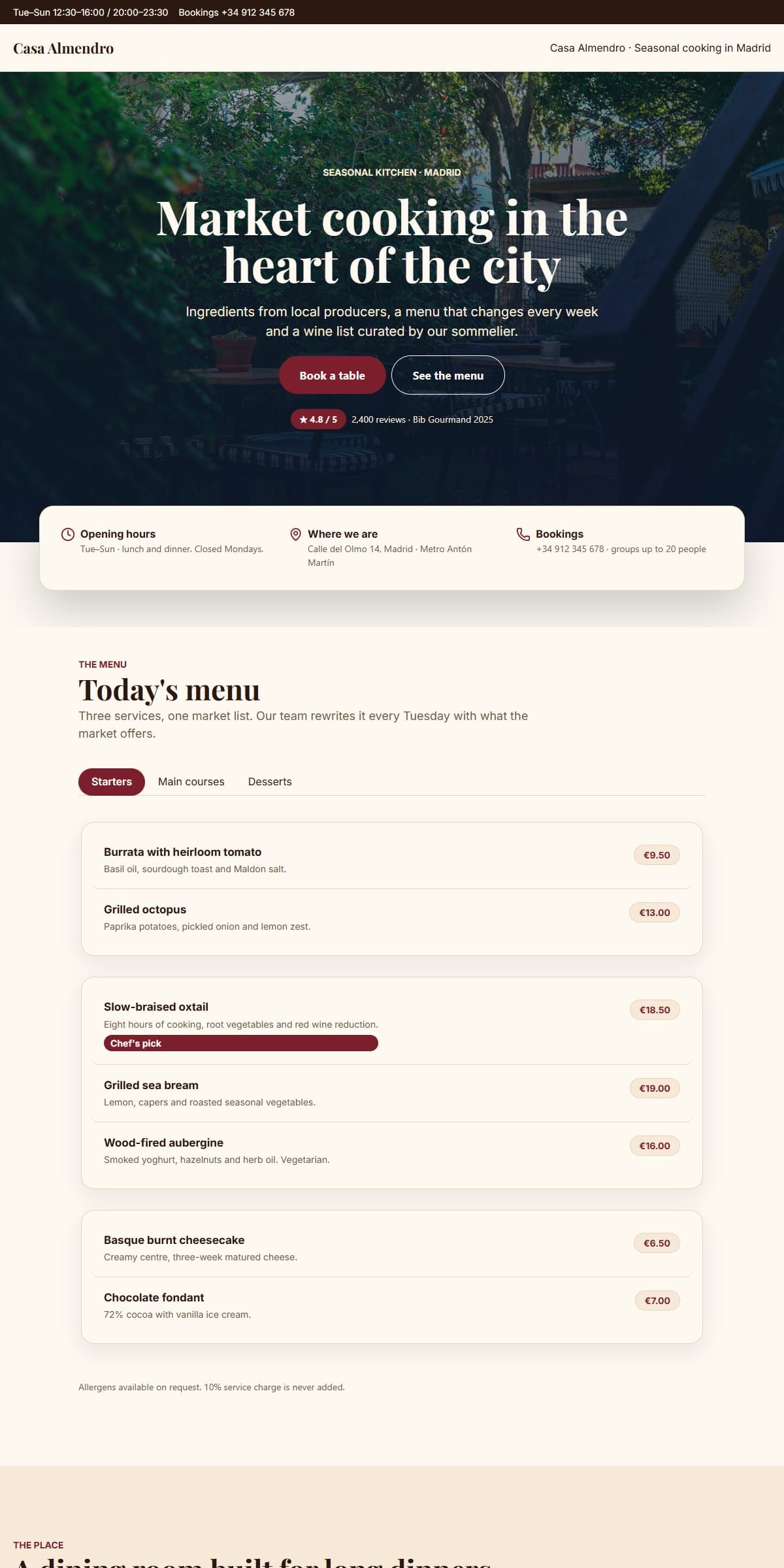
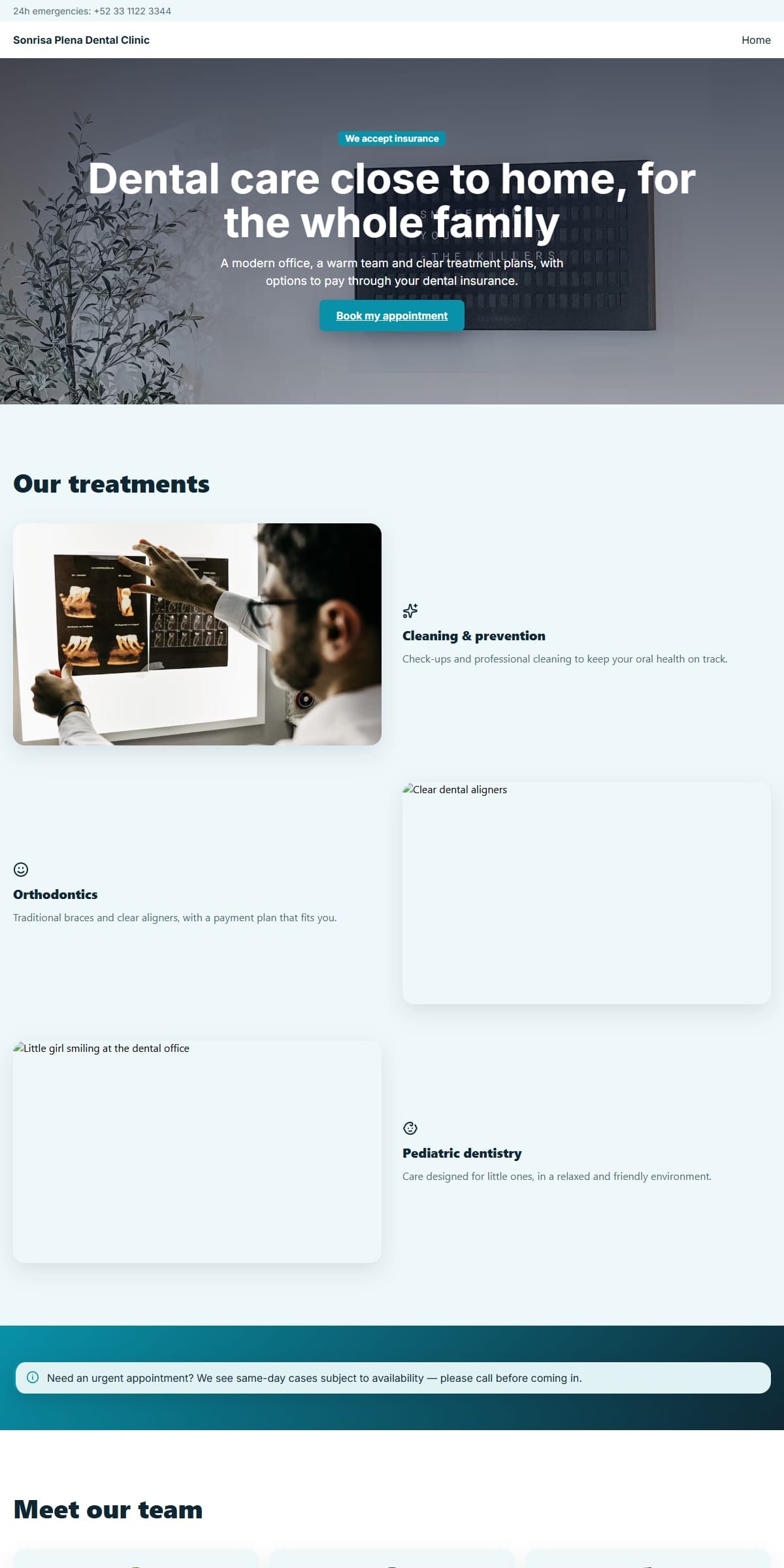
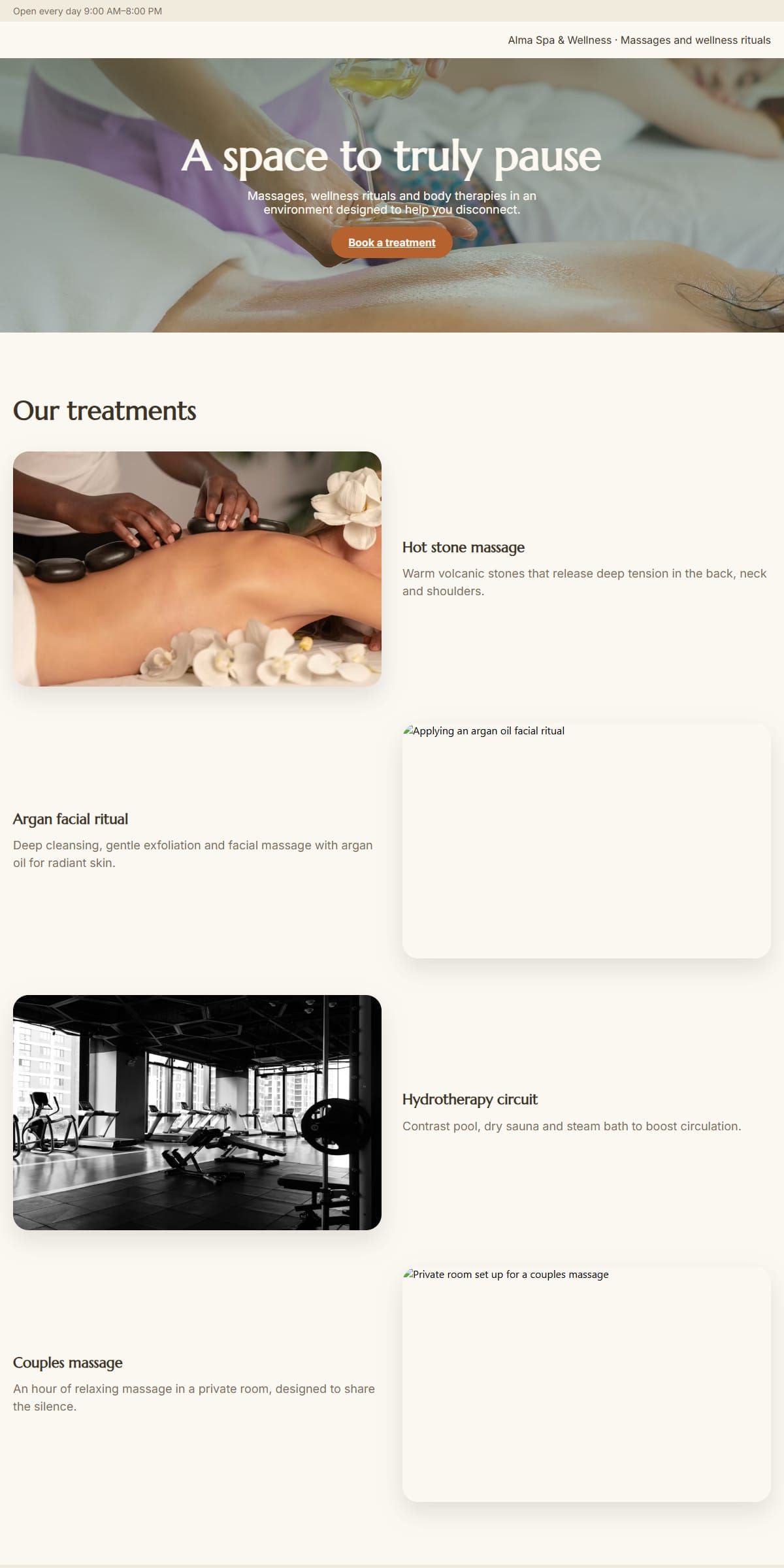
A restaurant's bookings and menu, a barbershop's services and price list, a dental clinic's treatments and appointment form, a spa's schedule and reviews — none of them needed a line of code, and each is a full page you can open and take apart.

Questions people ask first
Is there anything I have to type as code to finish a normal page?
No. Placing blocks, setting their properties, styling them per breakpoint and attaching a behaviour all happen through panels. Code only turns up afterwards, in the site you download, and only if you go looking for it — nothing in the building flow asks you to write any.
Can I build a contact or booking form without writing a script?
Yes, up to building and validating it. The registry has input, textarea, label and submit-button blocks, and form validation is a behaviour you attach through settings rather than code you write. Where a submission goes from there depends on a server, which this static host does not run.
What happens if the block I need is not in the palette?
Dragging and clicking stop covering you at that point, which is the honest edge of any registry-driven builder. What you download is plain HTML, CSS and JavaScript, so a developer can pick up exactly where the palette leaves off.
Do I need to understand CSS to make a page look right at different sizes?
No. The inspector applies style changes per breakpoint — mobile, large mobile, tablet, laptop and desktop — through the same controls used for every other property, so resizing a heading for a phone is a setting, not a media query.
Are the interactive parts, like an accordion or a modal, pre-written or do I assemble them?
They are pre-written behaviours — 17 of them, including accordion, modal, carousel and reveal-on-scroll — that you attach to a block through its settings. Only the ones a page actually uses are written into the export, as plain JavaScript with no framework.