Free Landing Page Builder
Design responsive pages with drag & drop and download the finished site. It all runs in your browser — nothing is uploaded.
A free landing page builder, just drag and drop.
Drag-and-drop components
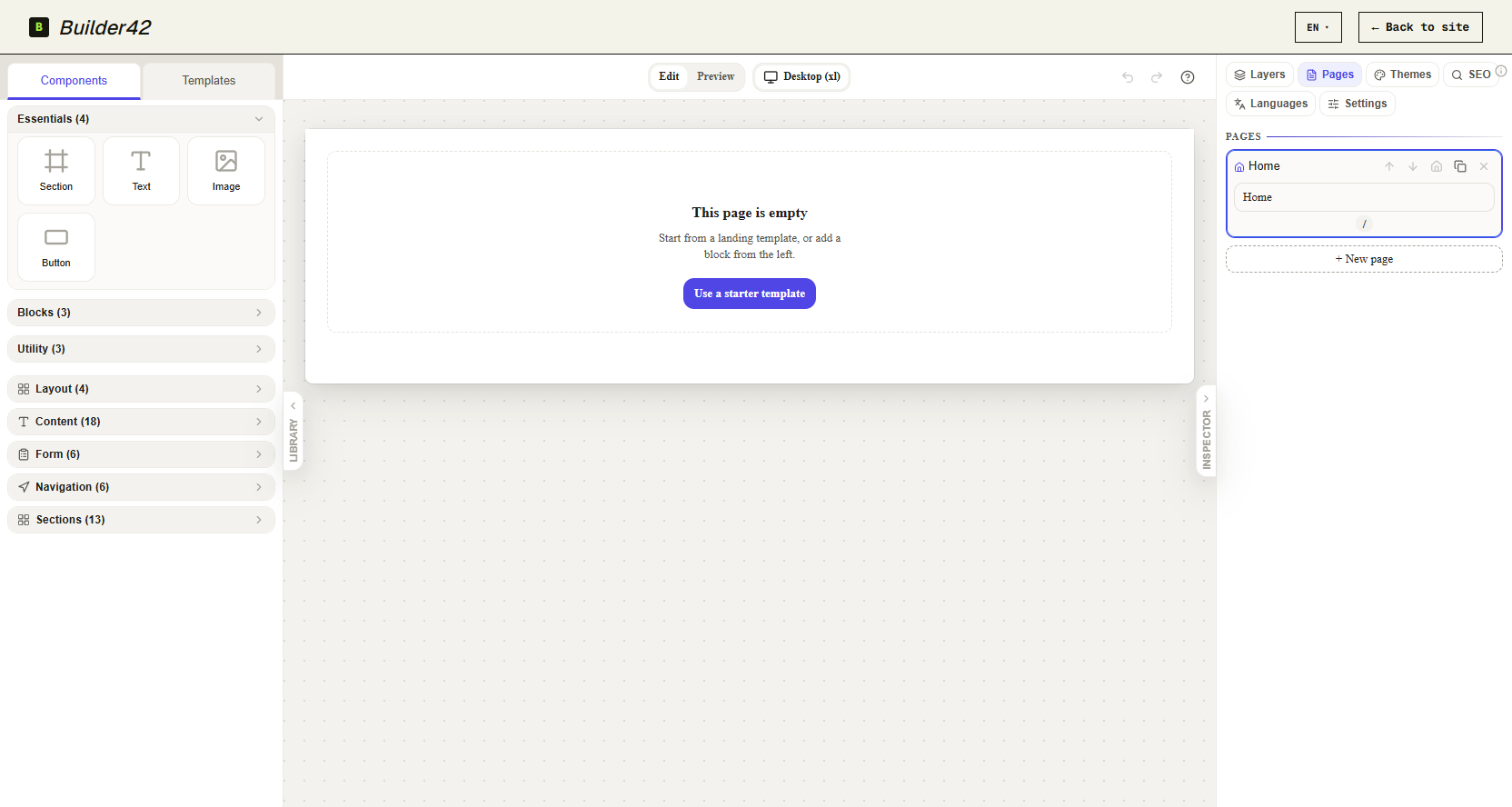
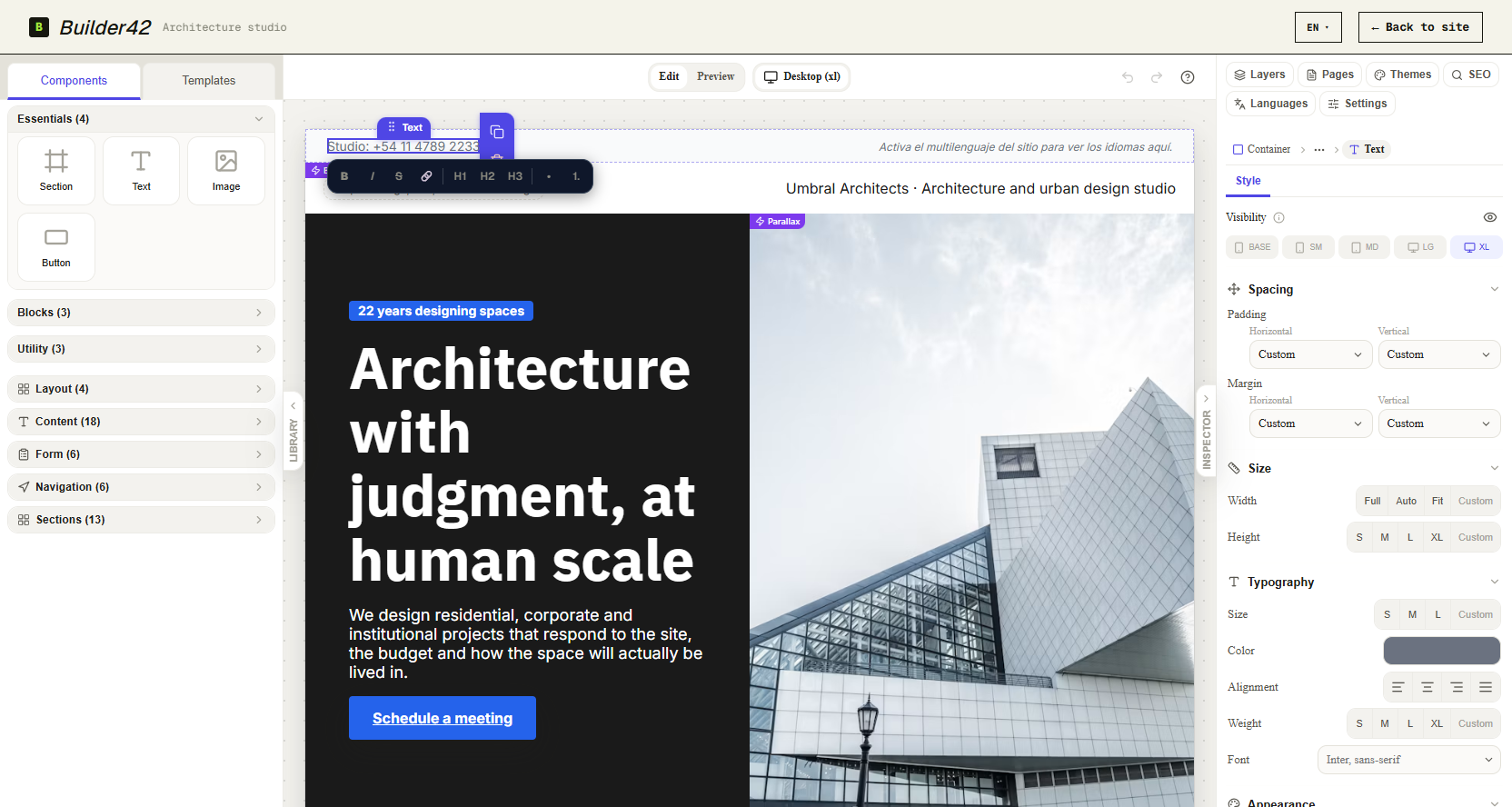
Snap together headings, images, buttons and columns onto the canvas from a real component palette. Rearrange anything. Write zero code.
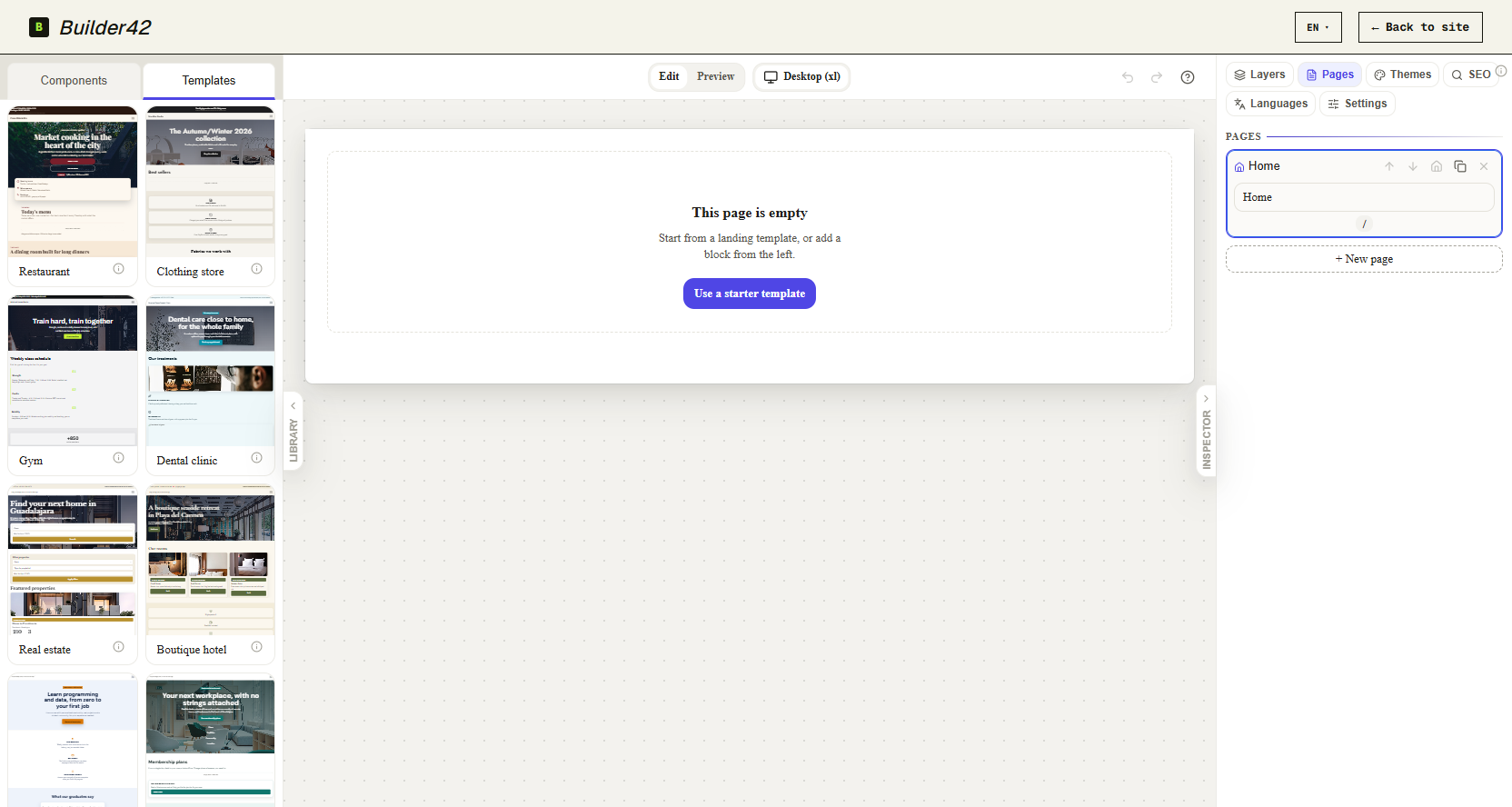
17 templates, each with its own theme
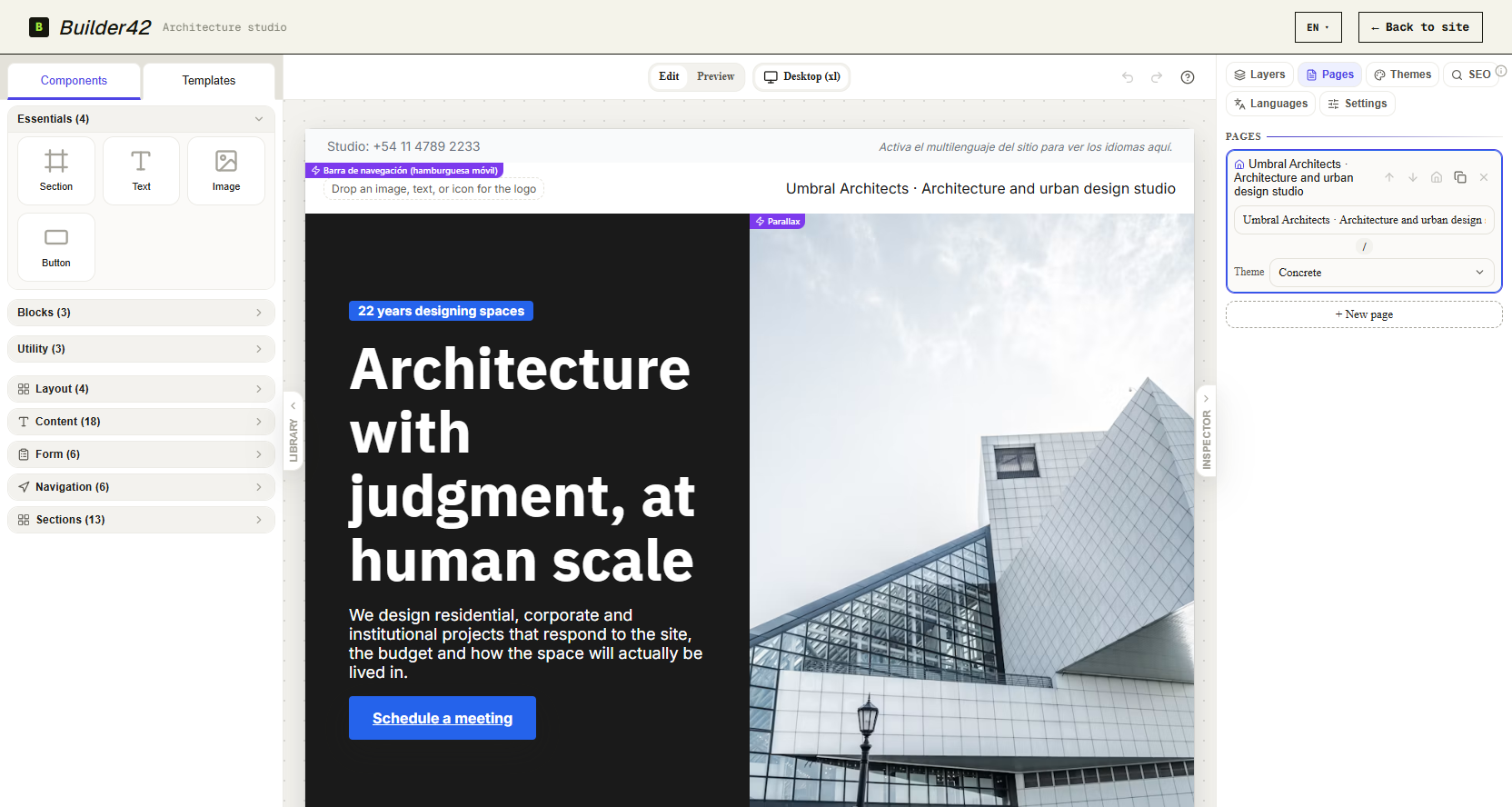
Start from a page built for your kind of site, already styled with its own color scheme, and swap the words and images for yours.
Responsive at every breakpoint
Preview and fine-tune the page at five breakpoints, from mobile to desktop, with no media queries to hand-maintain.
Multi-page, multilingual sites
Add pages to the same site and add content languages to the same page — the site stays one project throughout.
No account needed
Open the page and build. Your work lives in your browser, not behind a login.
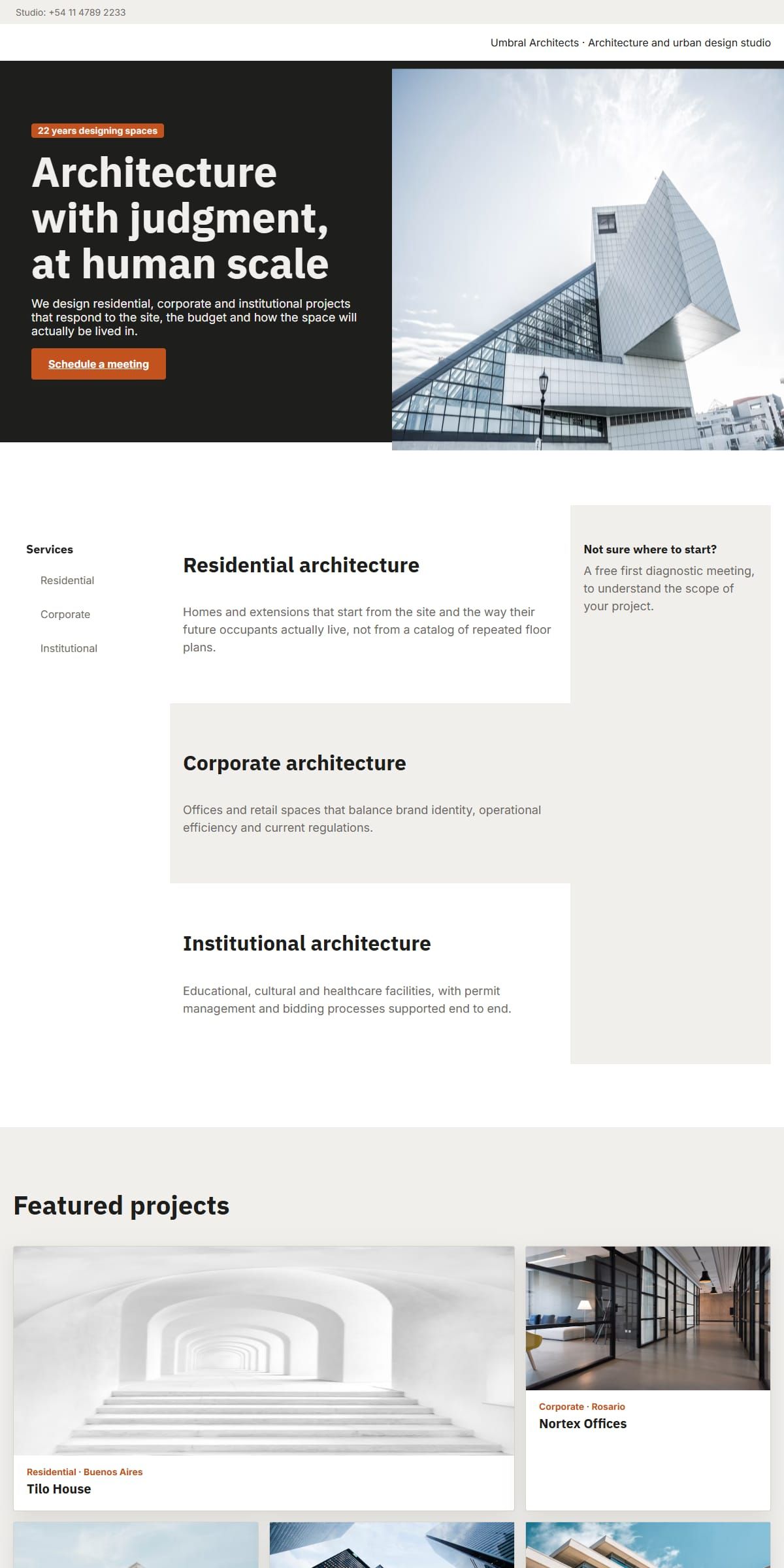
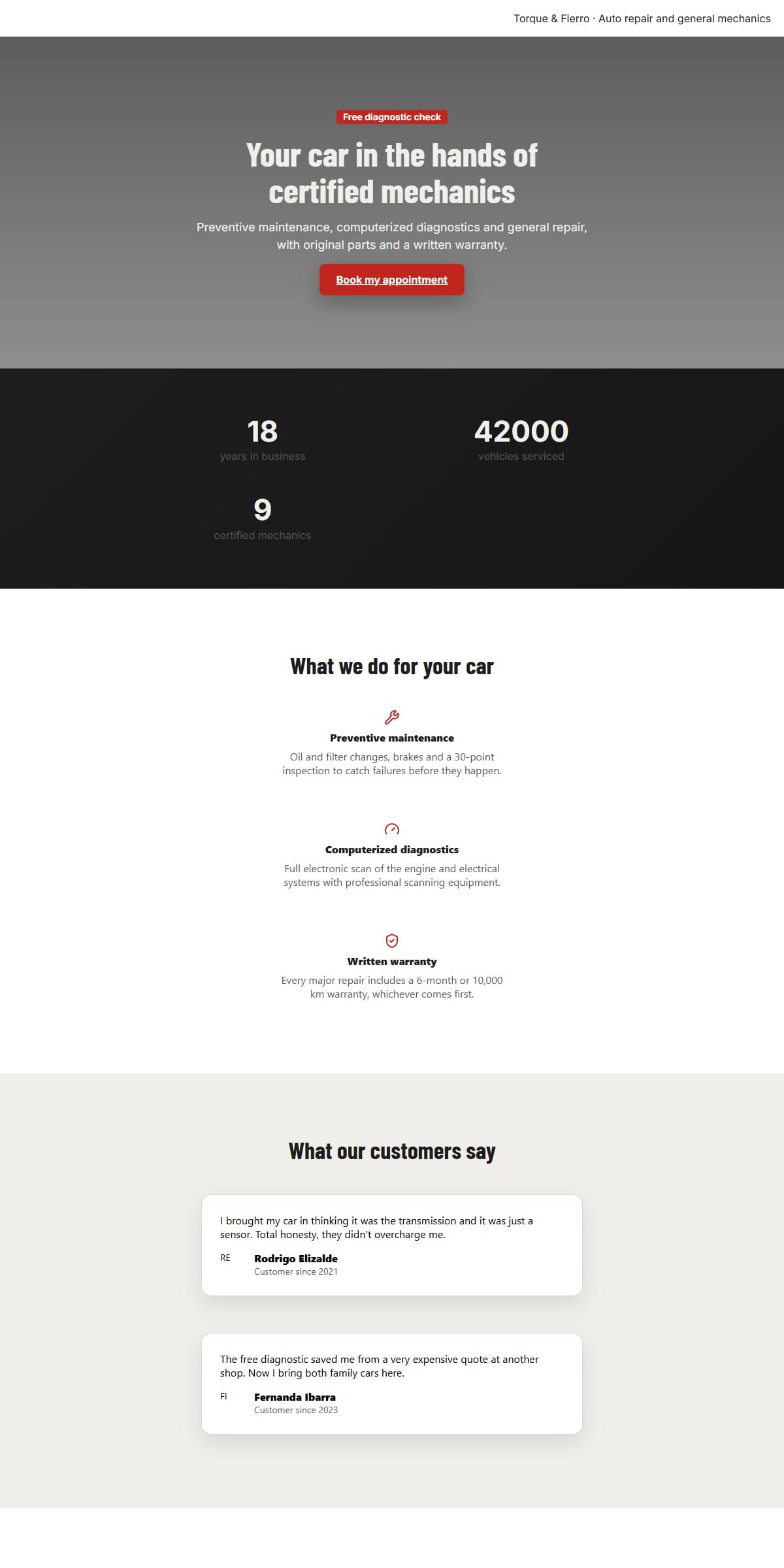
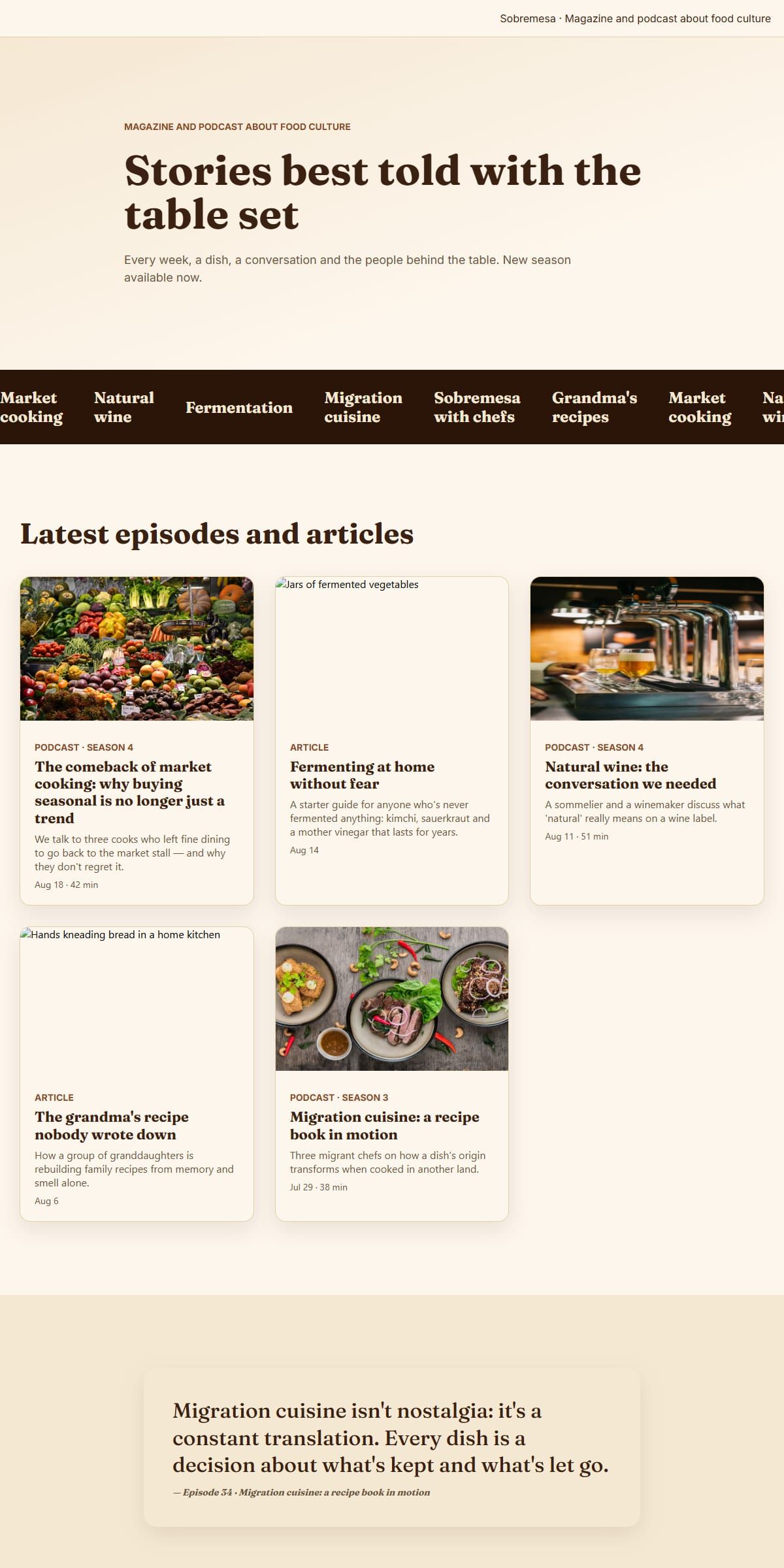
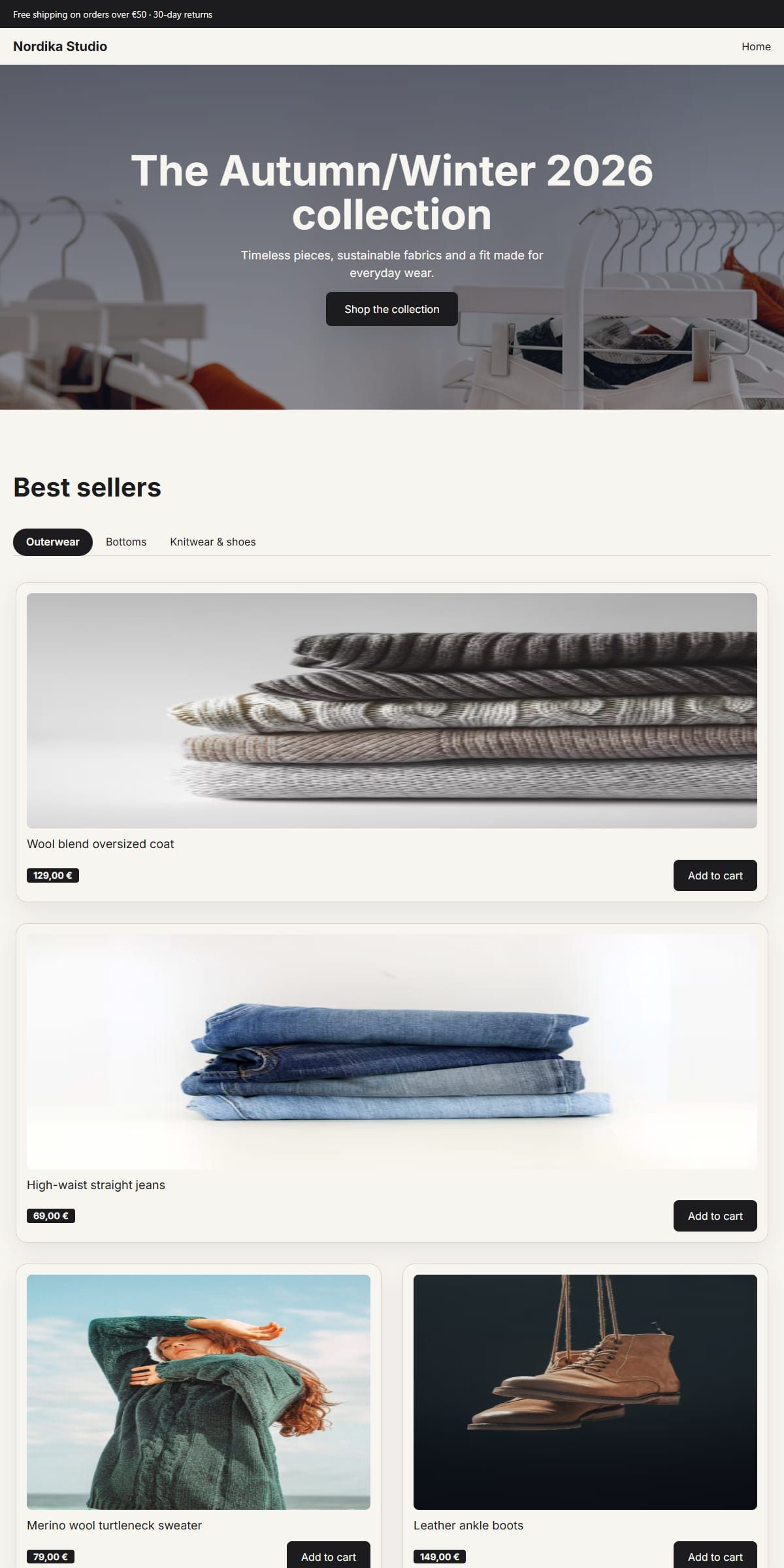
Four moments from a real session.
The canvas, the template library, applying one, editing copy in place.
Start with a free page template.
17 real templates for studios, shops, restaurants and more — each one opens straight in the editor.

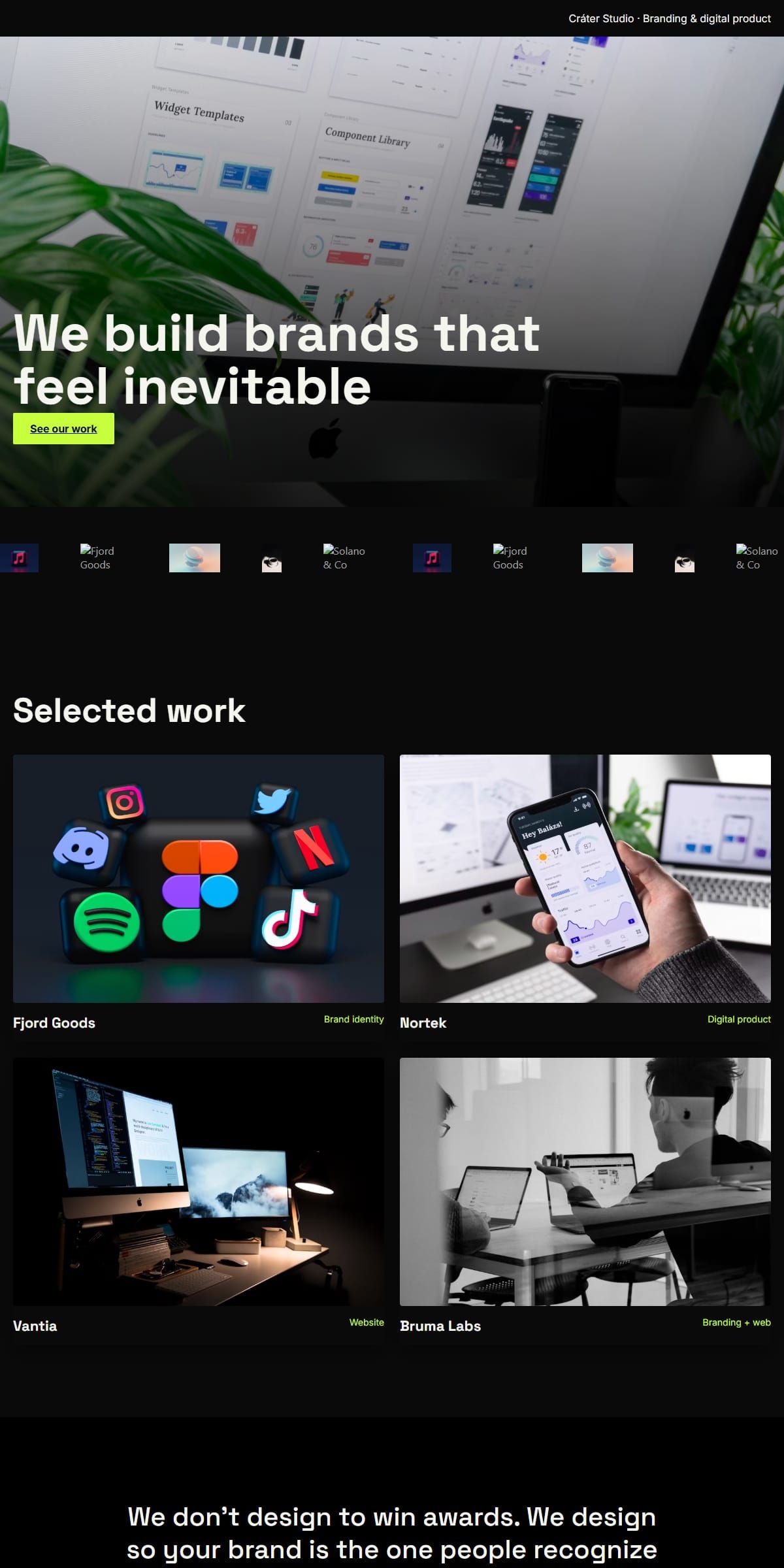
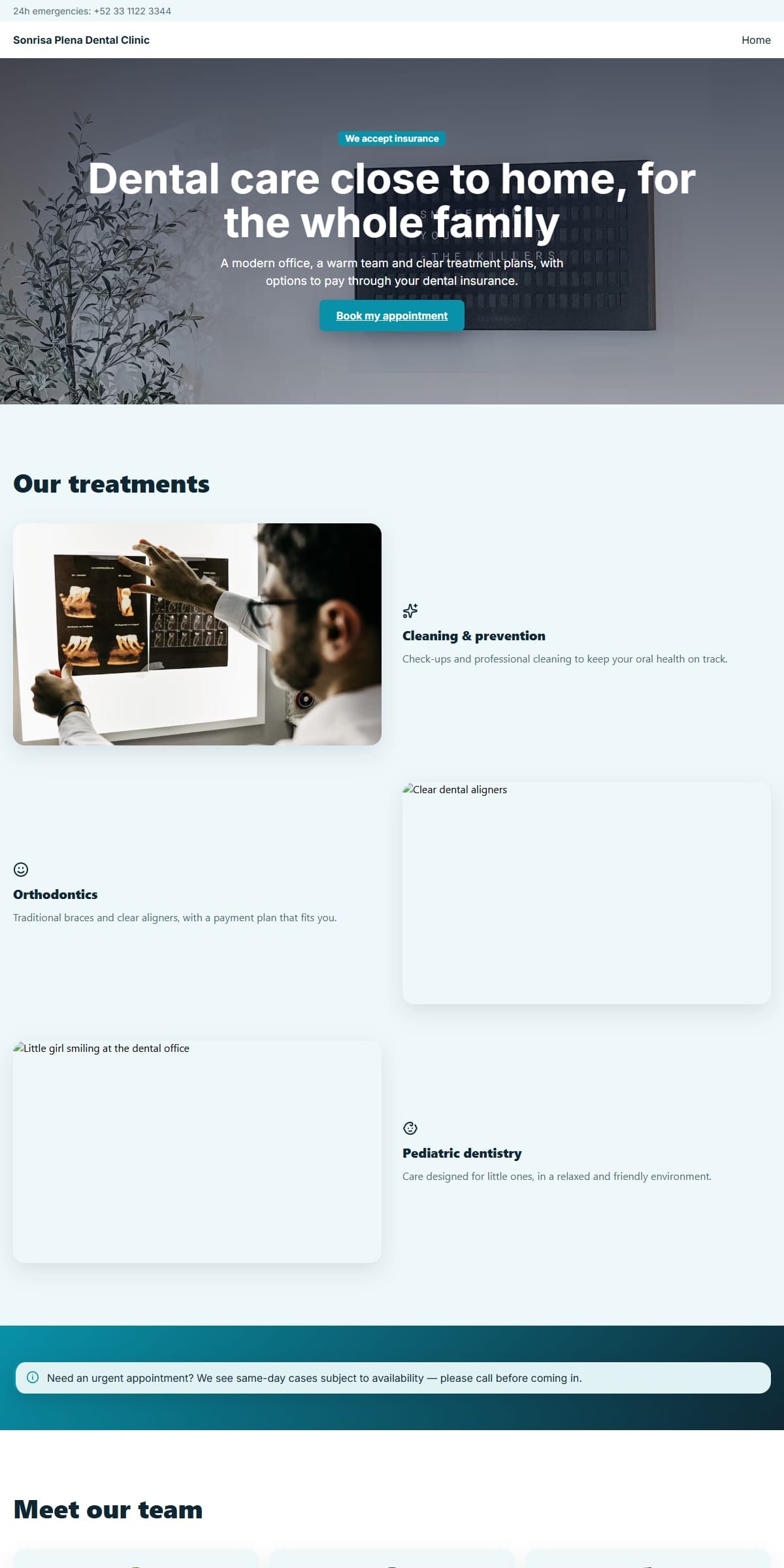
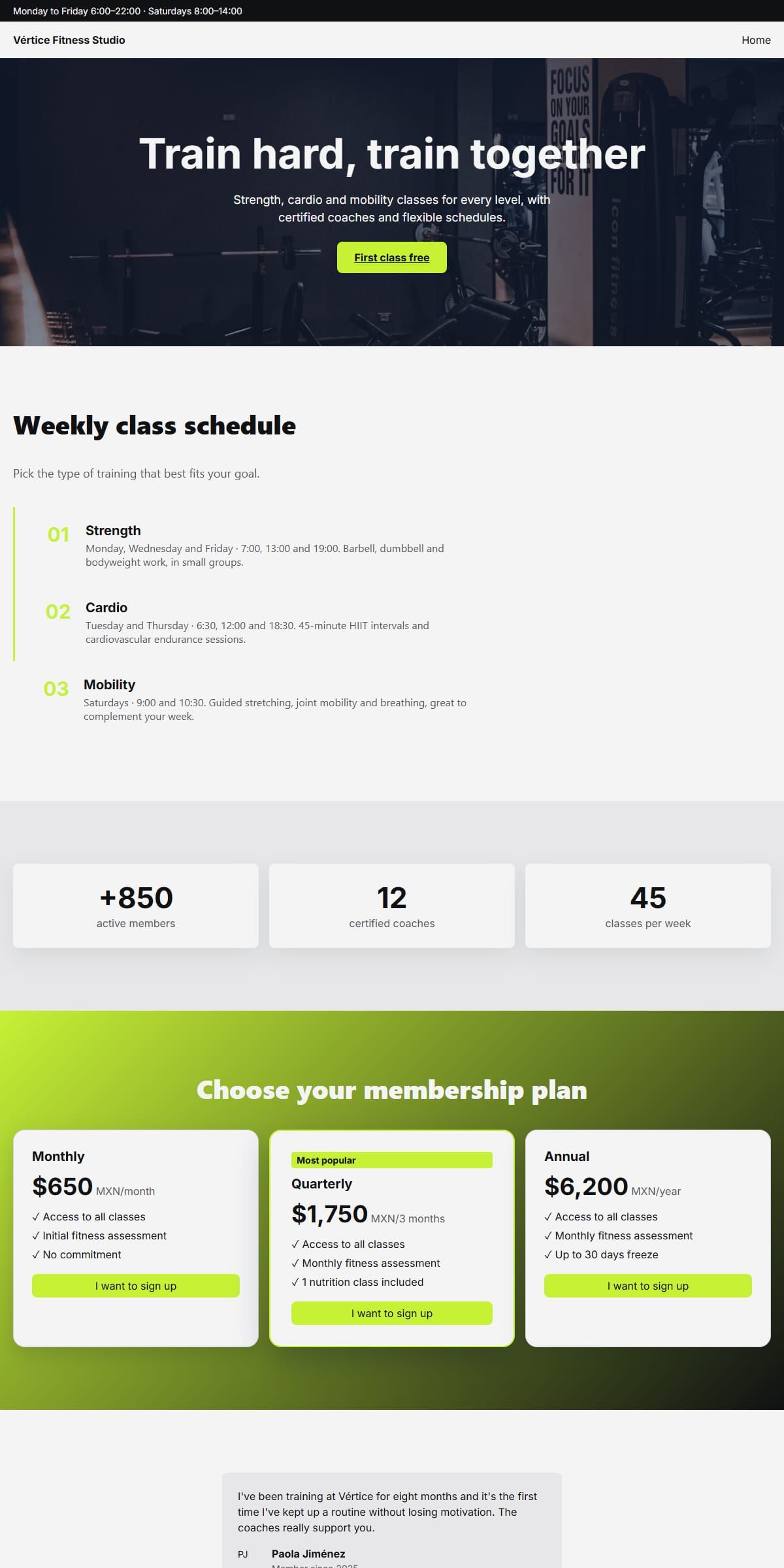
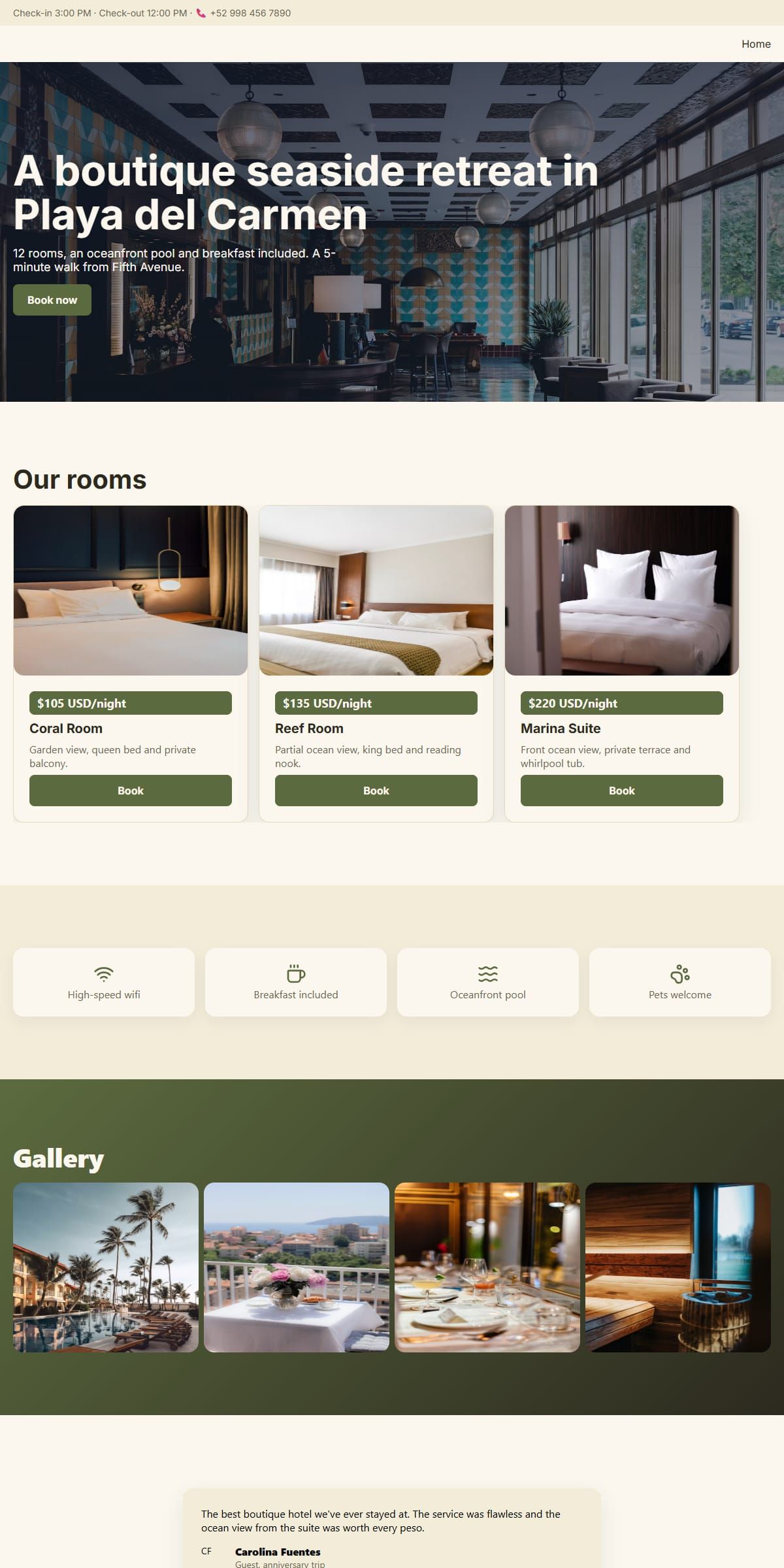
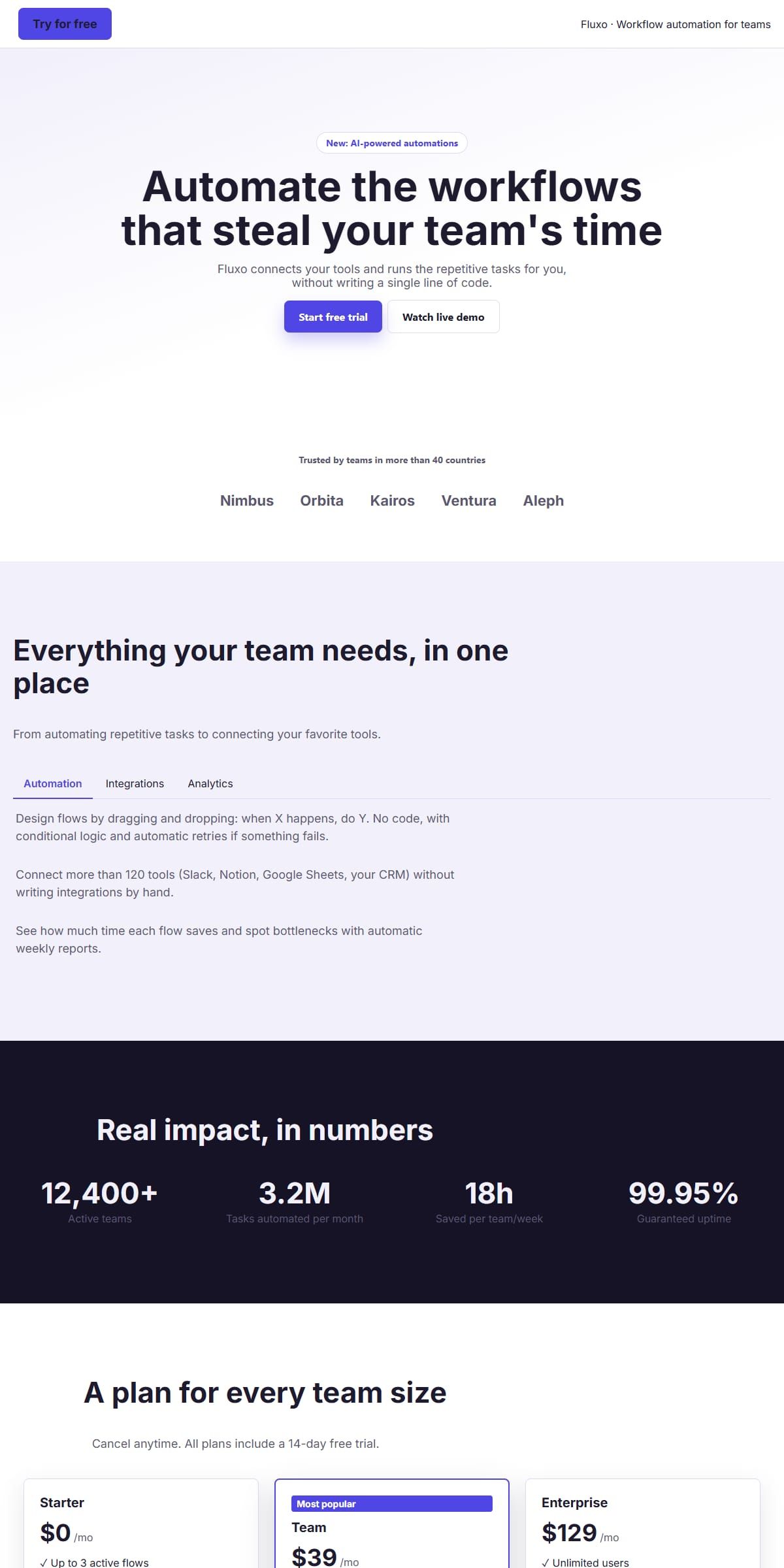
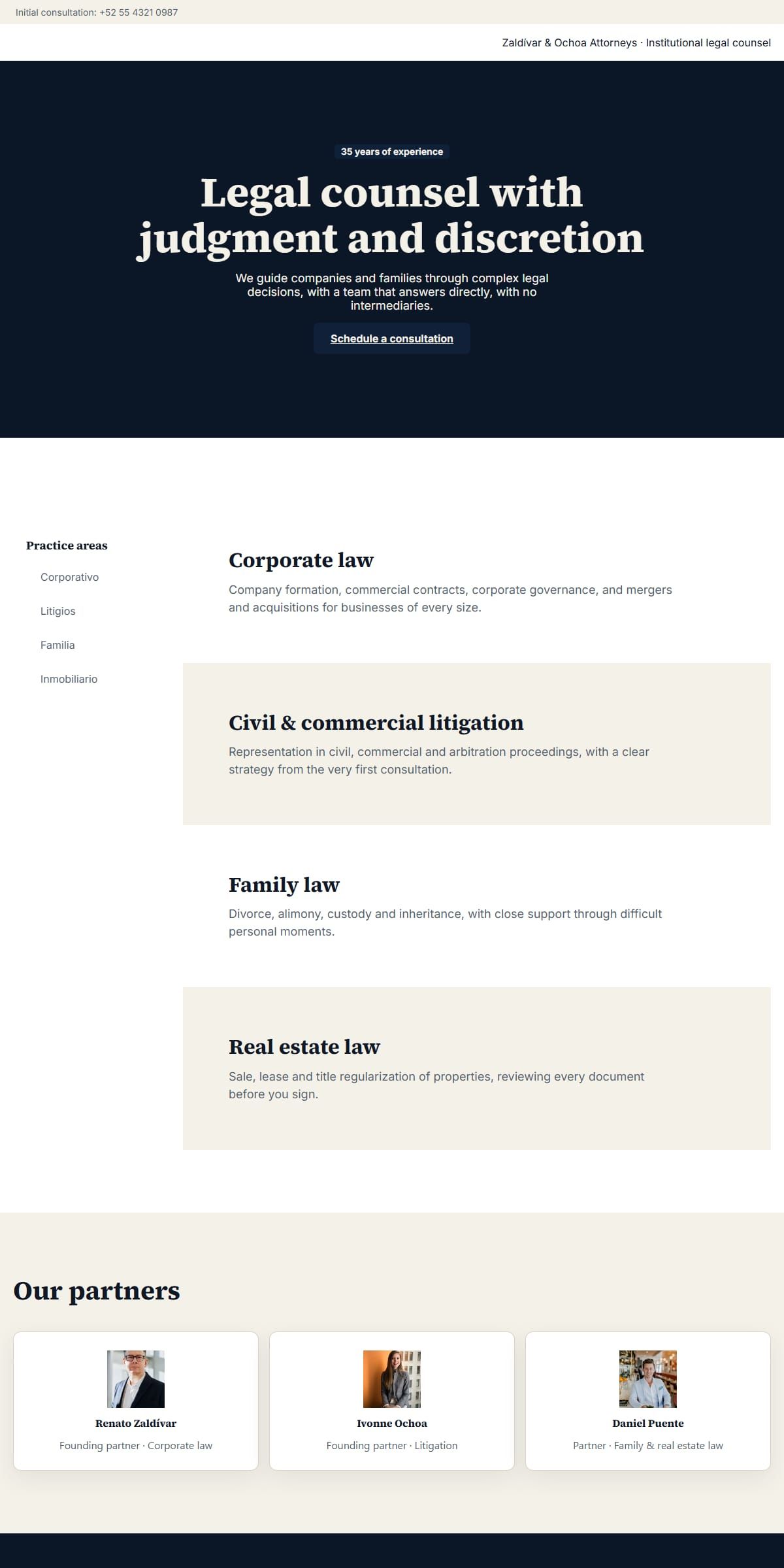
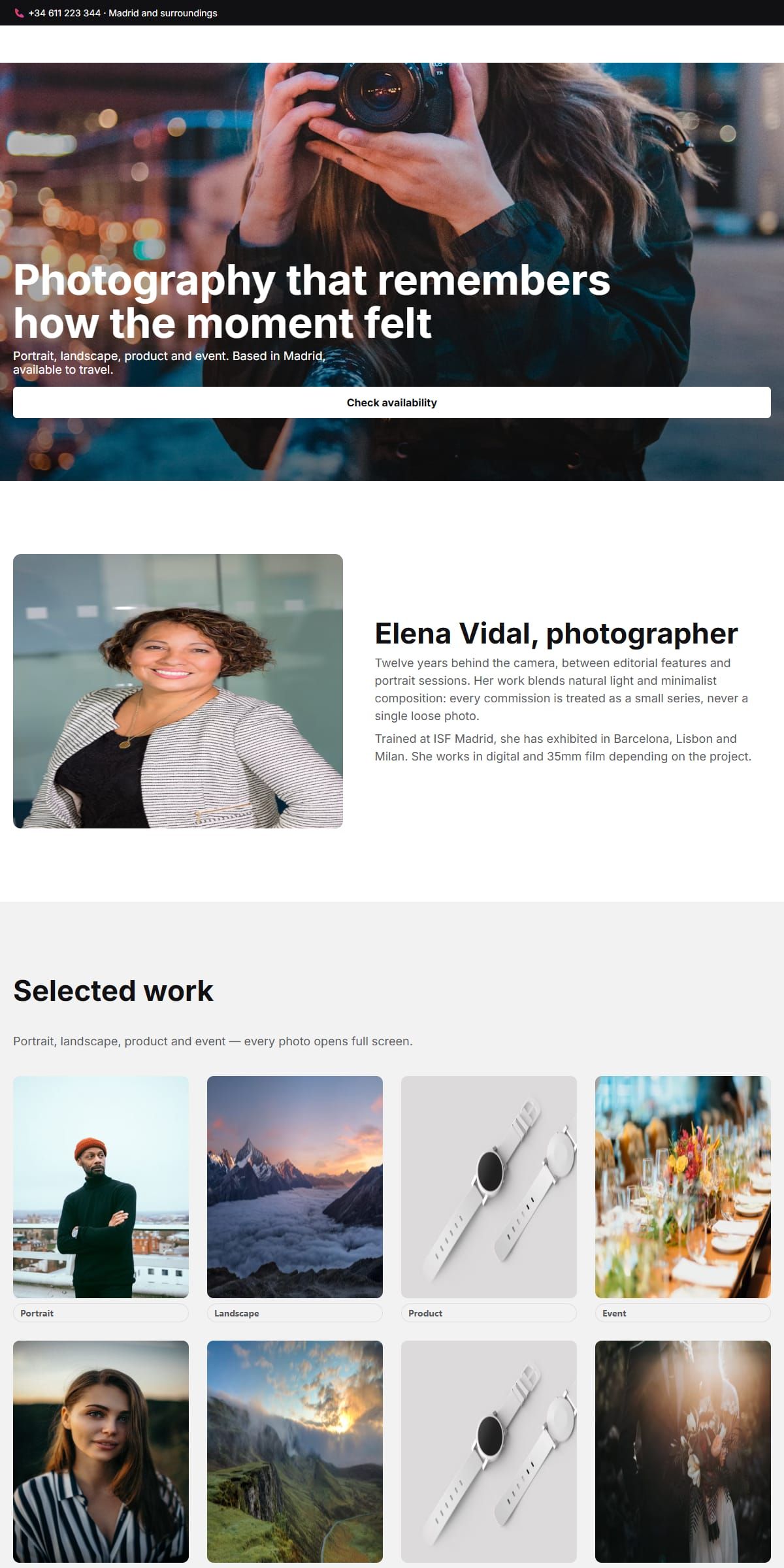
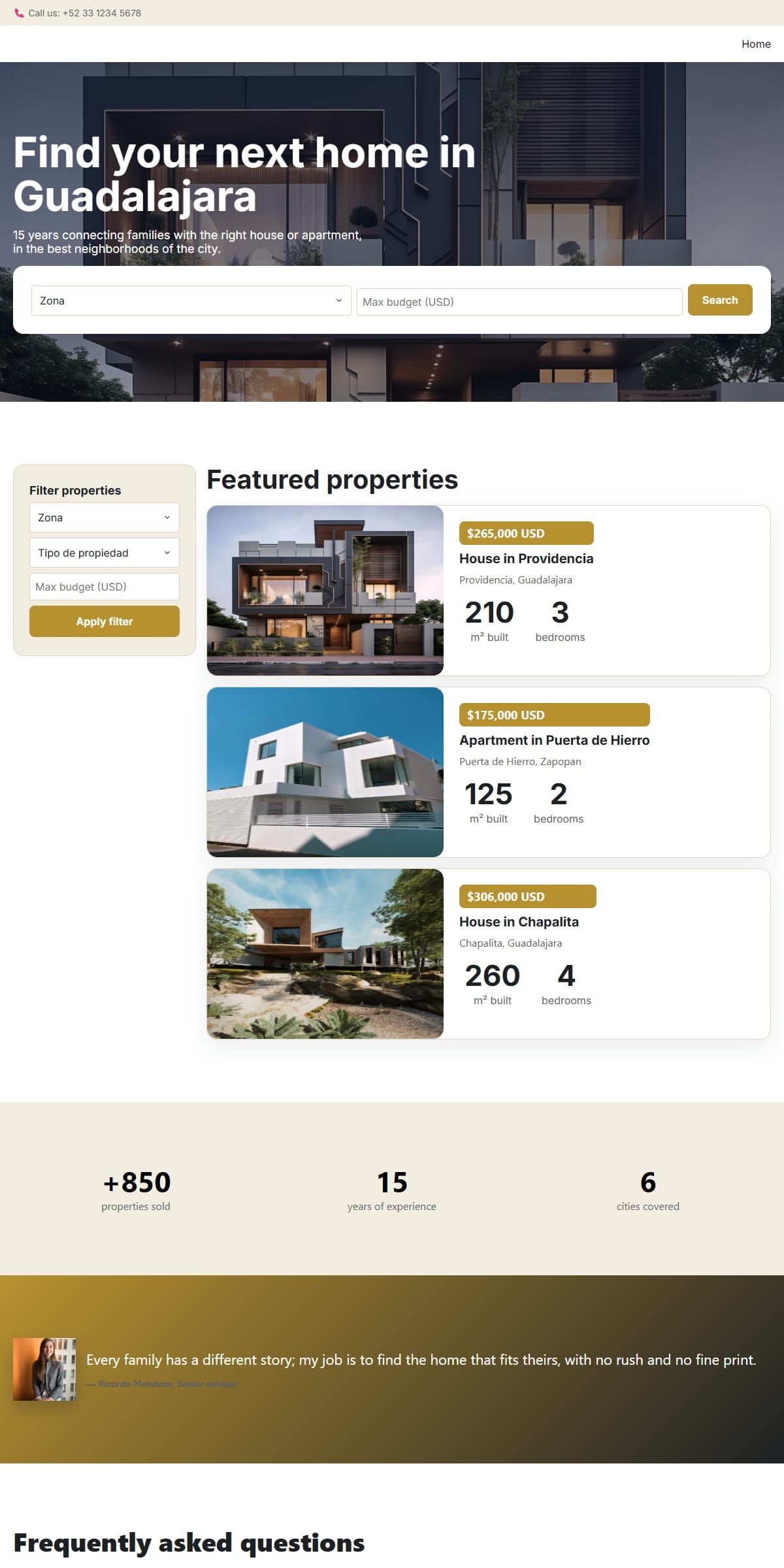
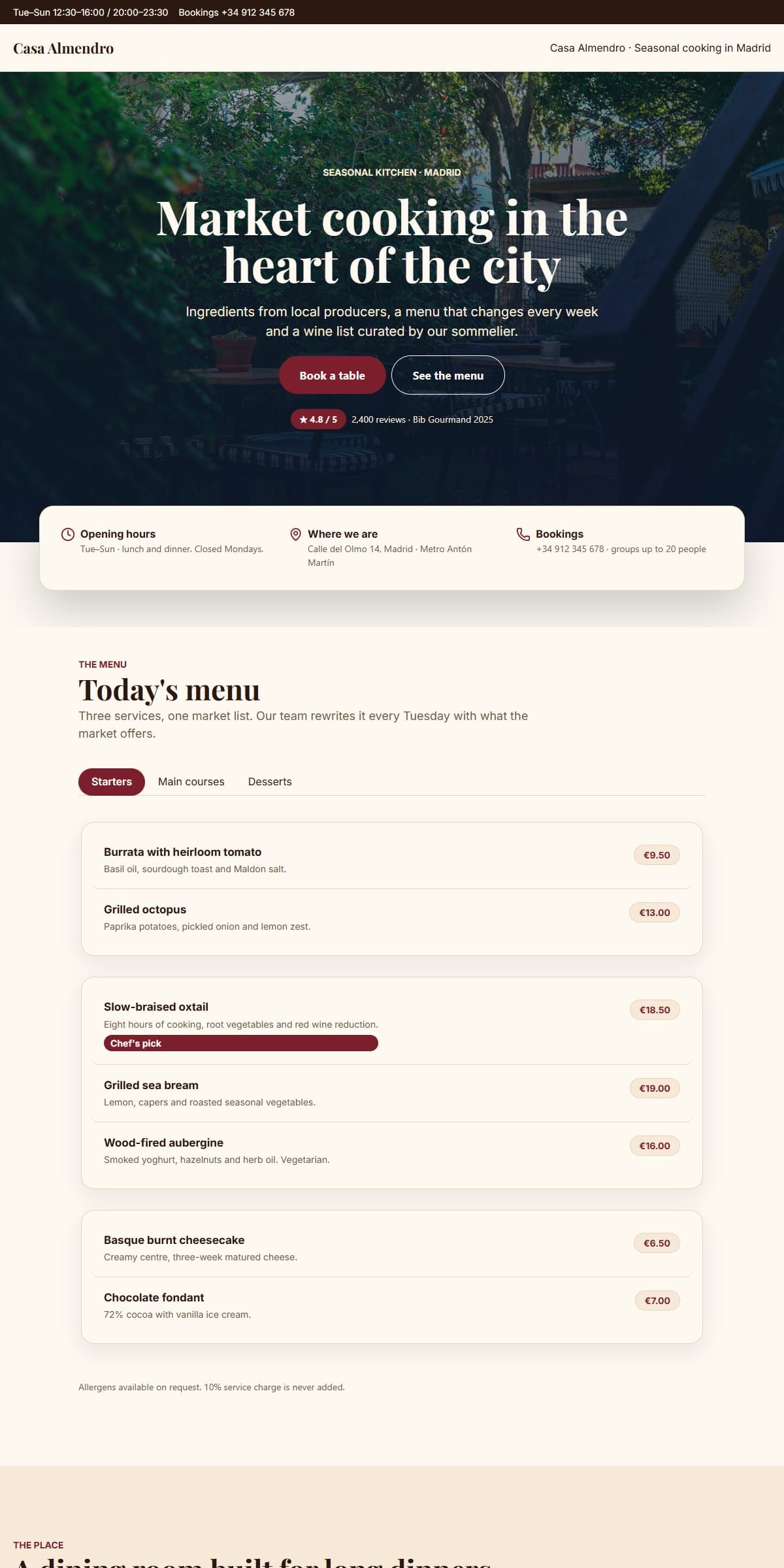
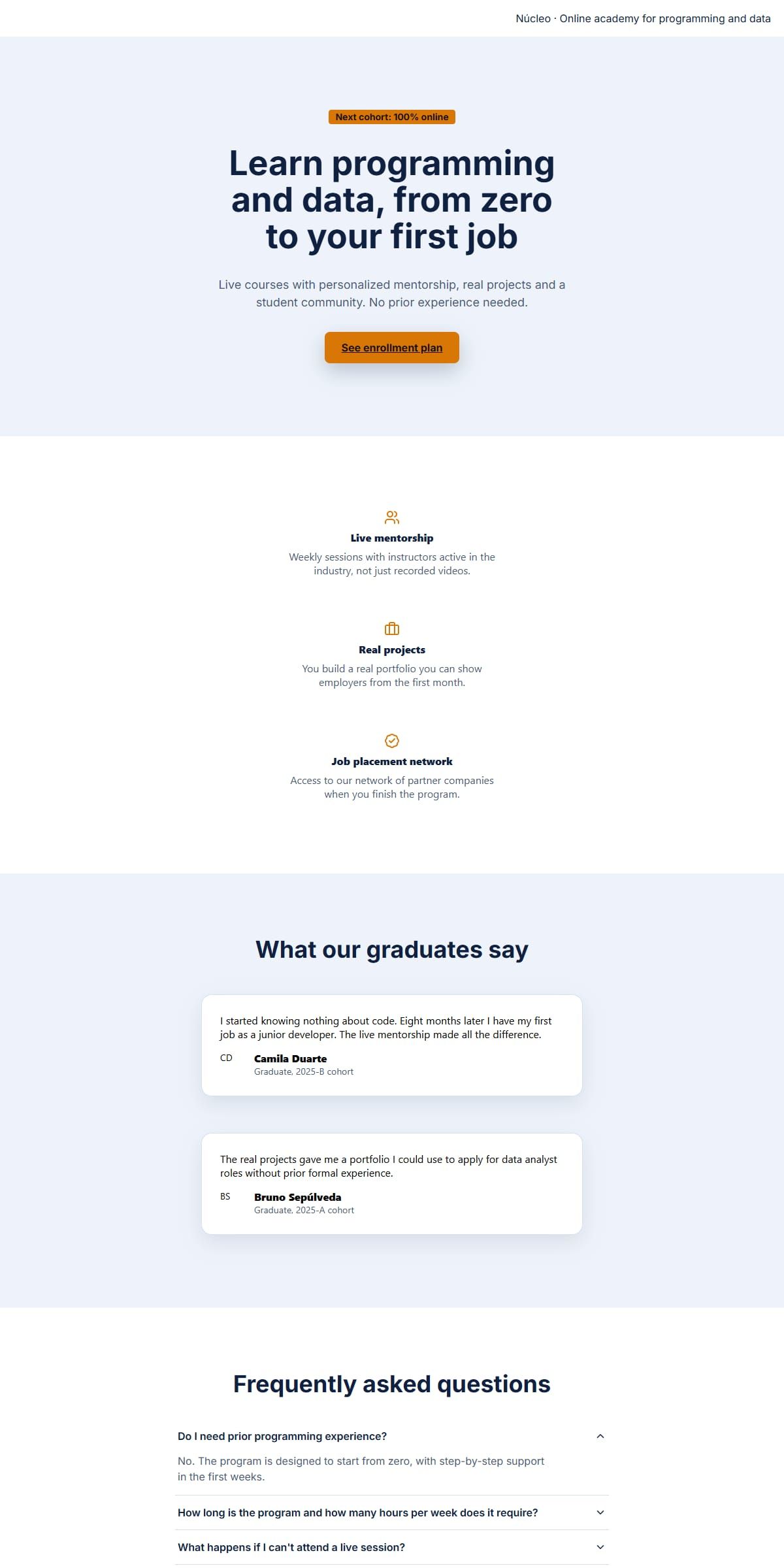
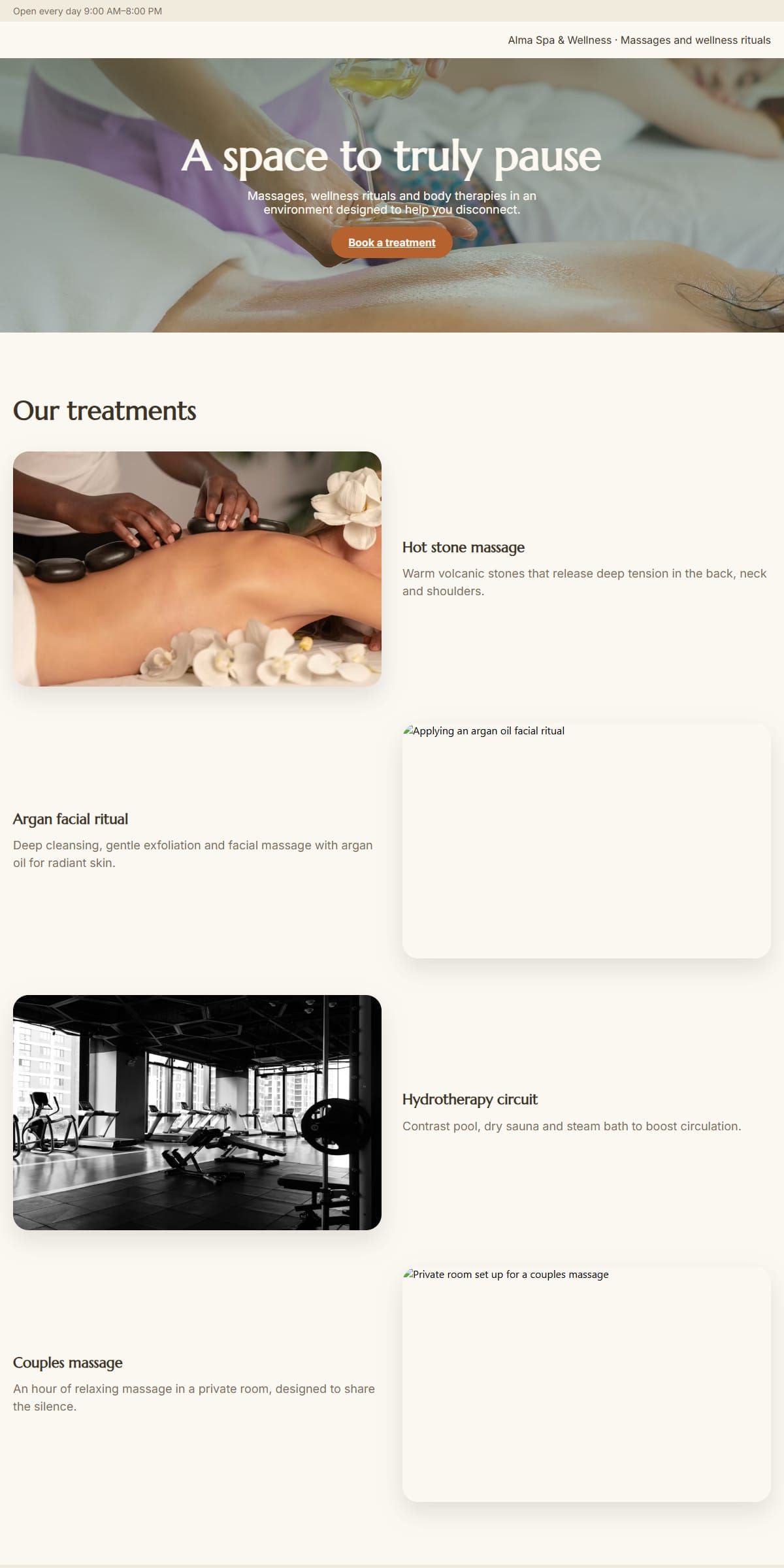
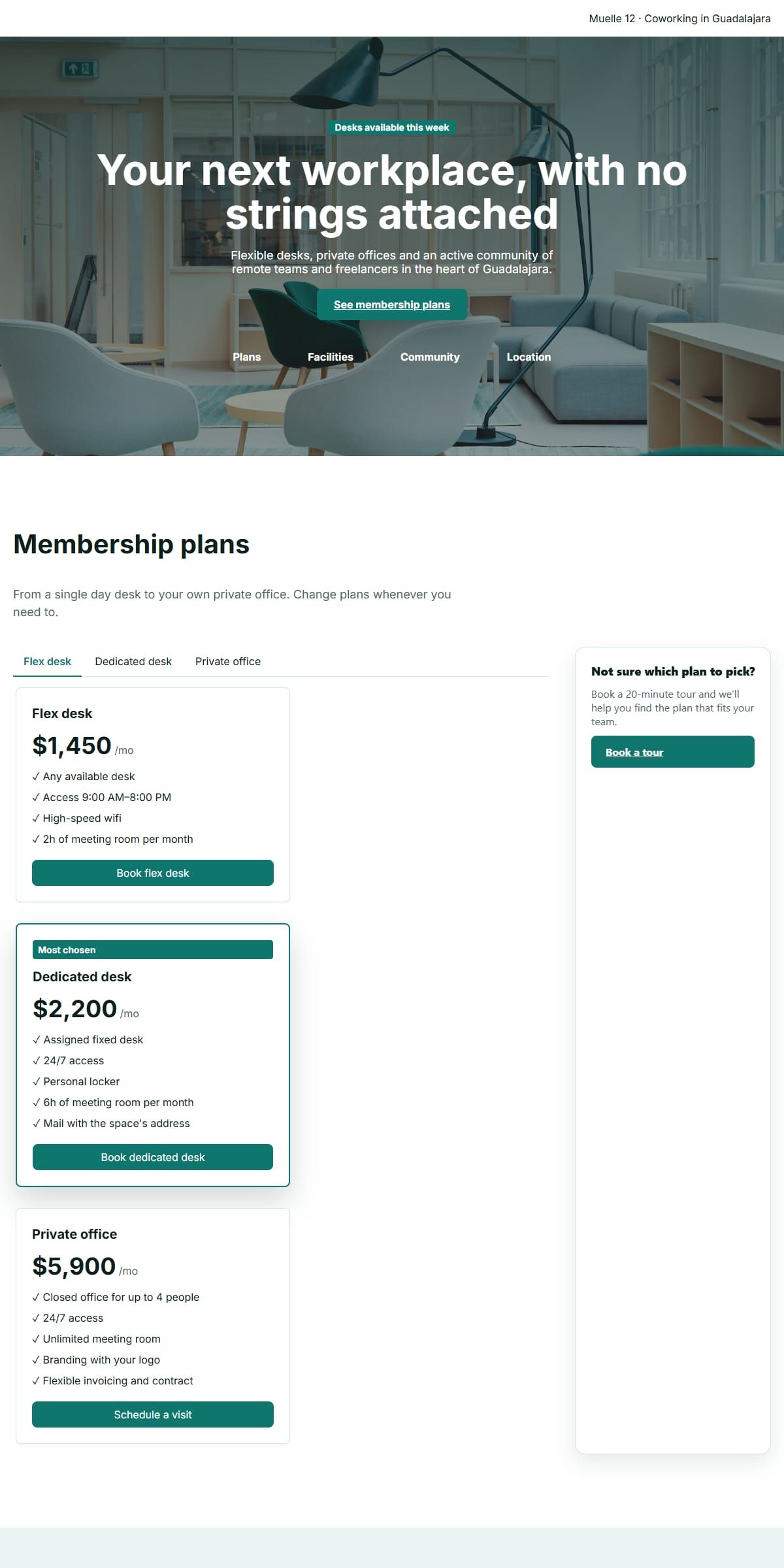
Build responsive websites.
Most visits start on a phone, so the layout is fluid from the start: columns can be set to stack on mobile, text can carry a separate mobile size, and images scale to the width of their container rather than forcing a sideways scroll.
You never write a media query for any of it. The toolbar exposes five breakpoints, from mobile to desktop, and every style override you make is scoped to the one you are looking at while you work.
Download your site as a .zip.
When the design is done, open the export panel and take the site with you. The archive holds one HTML file per page — and per language, if you added more than one — the CSS, only the behaviours the site actually uses, and every image you referenced.
One caveat worth knowing: fonts are linked from Google Fonts rather than bundled into the archive, so an internet connection is needed to render them wherever you host the site. Everything else travels with the file — you are not renting a design that only works inside one vendor's dashboard.
Host it on any static host.
The downloaded site is plain HTML, CSS and JavaScript, so it runs anywhere that serves static files — your own server, a static host, or a folder you drop into place.
The download is how the finished work leaves the browser: one archive, yours, to put wherever you decide to host it.
No signup. No limits.
There is no account, no email address to hand over, no trial countdown and no paywall in front of the export button. Every template and every component is available on the first click.
It can work that way because the builder runs entirely in your browser: your site is held locally, nothing is uploaded to a server, and there is no per-seat cost for us to pass on to you.
Open, build, download. Done.
Pick a starting point
Open a template or a blank page — whichever gets you moving fastest.
Drag in your components
Restyle, reorder and fill in your words with a live preview the whole way.
Download your site
Get the finished site as a .zip, ready to host wherever you like.
Frequently asked questions.
Is this landing page builder really free?
Yes. There is no paid tier, no trial period and no export paywall. The builder runs in your browser, so there is no hosting cost per user to recover.
Do I need to create an account?
No. There is no signup, no password and no email address to hand over. Open the editor and start building.
Can I download the finished site?
Yes. The editor packages the site as a .zip — one HTML file per page, the CSS, the JavaScript behaviours it actually uses, and your images — and you keep it, nothing is locked to this site.
Can I build a responsive website with it?
Yes. Every page can be previewed and styled at five breakpoints, from mobile to desktop, so columns stack and images scale down without hand-written media queries.
Do I need to know HTML?
No. Building is drag and drop with a live preview. Knowing HTML only helps afterwards, if you want to read or adjust the exported markup.
Can my site have more than one page?
Yes. A site can hold several pages — add one, rename it, or switch between them from the editor's page manager, and each page exports as its own HTML file.
Can the site have more than one language?
Yes. You can add content languages to a site and translate each page's content into them by hand; the exported .zip then includes one HTML file per page and per language.
Where is my work saved?
On your own computer. The editor keeps your draft in the browser you are working in, and downloading the .zip saves the finished site straight to your machine — that file is the copy to keep.
Built for a specific job?
The same free builder, explained for the thing you came here to make.
- Skip the account entirelyWhat the no-signup claim actually covers, and where your work is kept while you build.
- Build without touching markupWhat the palette and the style panels replace, and where that stops.
- See the canvas mechanicsThe three panes, the drag gesture and how a style change is scoped to one breakpoint.
- Open the archive before you commitThe folder layout, the conditional CSS and JS, and the one webfont caveat.