One archive · Plain files · Any static host
What Is Actually Inside the Exported .zip
Pressing download hands you an archive, and this page opens it. Not the three-paragraph summary the no-signup guide already gives — the folder-by-folder layout, which CSS files appear and under what condition, exactly which JavaScript ships and when none does at all, and the one honest limit that decides whether the result works the moment you unpack it somewhere else.
The folder layout the exporter writes
Unzip the archive and the structure is a plain static site, not a bundle that needs a build step to become one. Every page you built gets its own directory holding an index.html, and if the site carries more than one content language, that same page repeats once per locale, each in its own directory — a two-page, two-language site produces four HTML files, not two with a language switch baked into the markup.
Alongside each page sits a stylesheet scoped to that one page: assets/css/page-<slug>.css. That per-page file is not the whole visual story, because a handful of shared layers sit underneath it and are pulled in once for the entire site rather than once per page — which is the next section.
Four CSS layers, and which ones are conditional
Two stylesheets are written on every export, no matter how small the site is: assets/css/tokens.css, the design tokens the rest of the CSS reads from, and assets/css/base.css, the shared reset and base rules. Neither depends on anything the site does or does not use.
Two more are conditional, and the condition is worth knowing because their absence is not a bug. assets/css/themes.css is only written if the site actually uses themes; a site built on a single, un-themed design skips it entirely. assets/css/components.css is only written if at least one component you placed declares its own static CSS beyond what the tokens and base layers already cover — plenty of simple pages never trigger it. Put together with the per-page sheet from the previous section, a page's full stylesheet chain can be as short as three files or as long as five, and the difference is entirely about what that specific page uses, not a setting you flip.
The JavaScript, file by file, including the zero-file case
JavaScript follows the same logic as the conditional CSS, and it is worth being exact about it because "only what you use" is easy to say and rarely demonstrated. When a site uses at least one runtime behaviour, the archive gets assets/js/enhance.js as the loader, plus exactly one assets/js/<moduleId>.js file per behaviour the site actually attaches — a page using an accordion and a lightbox ships two behaviour modules and the loader, nothing more, nothing generic bundled in on the chance you might need it.
A component that needs a small amount of shared runtime logic — Builder42 calls this its micro-runtime — adds one more file, assets/js/ui.js, and only when a placed component actually requires it. The case worth stating plainly because it is easy to disbelieve until you see it: a site that places zero behaviours and no component that needs the micro-runtime produces zero files under assets/js/ — not an empty loader, not a placeholder script, nothing. An empty folder is not shipped either; the directory itself does not exist if nothing populates it.
Where the images go
Every image you referenced anywhere in the site — not just the ones on the page currently open — travels along under assets/img/<fileName>, one file per referenced asset, addressed by the same filename the HTML links to. There is no separate manifest to reconcile; open assets/img/ and what is there is what the pages point at.
Two details about that folder are worth knowing. The same picture used on several pages, or in several content languages, is written once and linked from all of them, so a two-language site does not carry two copies of the same photograph. And the bytes are the bytes you put in: the minifier that goes over the markup and the stylesheets does not touch binaries, so nothing is re-encoded, re-compressed or resized on the way out.
What the archive is not
Two claims are tempting here and both are wrong for this export. The first is size: nobody has measured the byte size of a downloaded archive on this host, so none is given — not in kilobytes, not in megabytes, not as "instant." The number that does exist and is safe to state is the compression setting, DEFLATE at level 9, which is a configuration fact, not a performance claim.
The second is portability. The webfonts your design uses are linked from Google Fonts through a stylesheet link inside the exported CSS rather than shipped as font files inside the archive, so the pages need a live connection to render in the intended typeface wherever you put them; without one, the browser falls back to a system font and the layout still works, just not in the chosen face. Bundling the actual font files is a path that runs through a server, which is exactly what this static demo does not have — so "self-contained" or "offline-ready" would overstate what ships.
What happens after the download
Once unpacked, the contents are ordinary HTML, CSS and JavaScript with no framework and no build tool required to serve them — which is also why nothing on this page can finish the job for you. Any host that serves static files will take the folder as it is: your own server, a static hosting provider, a storage bucket configured for web access, all read the same set of files the same way. This download is the point where the finished work leaves the browser and the next deploy step becomes yours to run.
Open one of these and read the files yourself
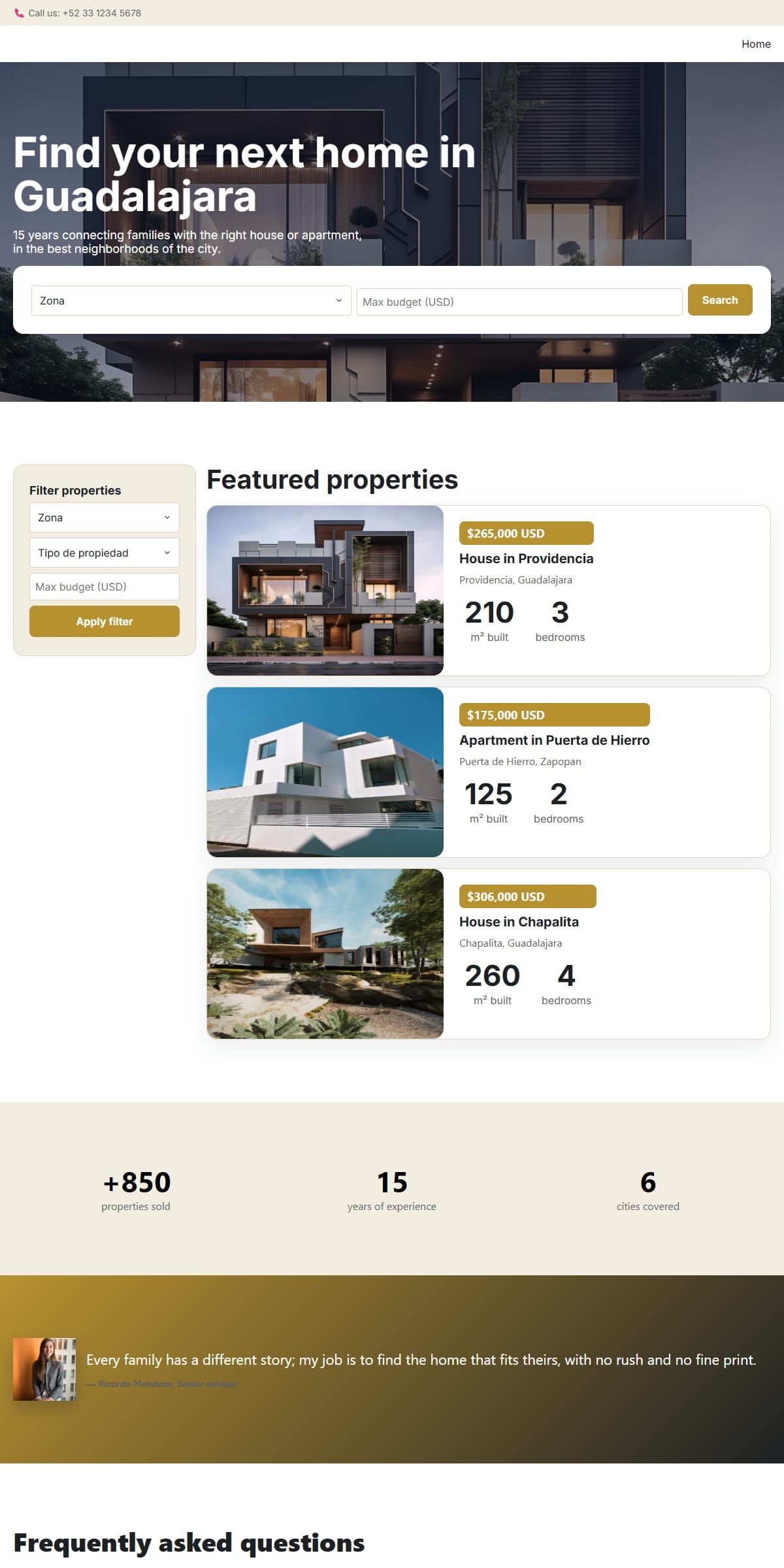
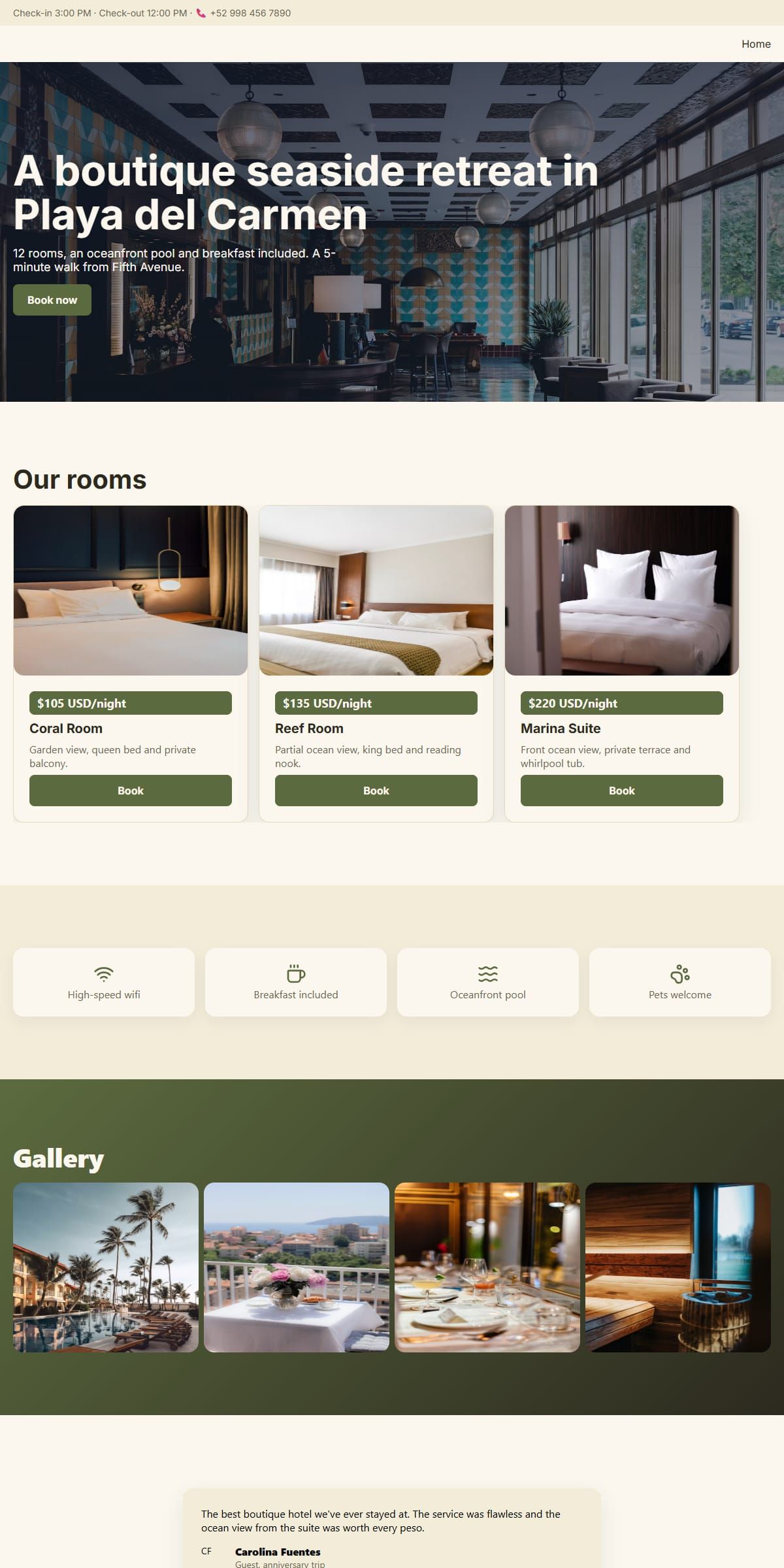
Export the hotel or the law firm template and the archive is small enough to read end to end in a text editor: a handful of pages, one behaviour or two, and a stylesheet chain short enough to trace from tokens to page.


Questions people ask first
How many HTML files does a two-page, two-language site export?
Four. The exporter writes one index.html per page and per configured locale, each in its own directory, so pages and languages both multiply the file count rather than sharing one file with a switch inside it.
Will the exported CSS always include a themes.css and a components.css file?
No. tokens.css and base.css are always written, but themes.css only appears if the site uses themes, and components.css only appears if a placed component declares static CSS beyond those two shared layers. A simple, single-theme page can skip both.
What if I export a site that uses no interactive behaviours at all?
The assets/js/ folder is not created at all — no loader, no empty file, nothing. The archive only ever contains the JavaScript modules a site actually attaches, one file per behaviour, plus the loader that wires them together when at least one exists.
Is the downloaded .zip a complete, offline copy of the site?
Not entirely. Every HTML, CSS, JavaScript and image file is inside the archive, but the webfonts are linked from Google Fonts rather than bundled, so rendering in the intended typeface still needs a connection wherever the site ends up.
If two pages use the same image, is it downloaded twice?
No. Each referenced file is written once under assets/img/ and linked from every page — and every content language — that points at it, so the archive does not grow a second copy of the same photograph.
Does the archive tell me how large it is once downloaded?
No, and this page does not either — the size of a downloaded archive has not been measured on this host, so no figure is given. The one number that is documented is the compression setting: DEFLATE at level 9.